
Quickbooks Invoice Scanning Solutions
SimpleQB allows you to automatically link scanned documents or network files to QuickBooks transactions.

SimpleQB also lets you import QuickBooks transactions in batches from a database. When combined with SimpleIndex OCR and barcode recognition, tasks like receiving bills from invoices can be fully automated.
This demo shows SimpleQB in action.
The database can also be used to find and view documents linked to transactions in QuickBooks.
SimpleQB is a powerful tool for exchanging data between any database and any QuickBooks transaction. It works with SimpleIndex by sharing a common database where document data is stored. SimpleIndex exports document indexes to the database, then SimpleQB imports that data into QuickBooks.
Because of this open design, SimpleQB can be used with any scanning application or database, including more advanced software that can recognize line items and other repeating elements on invoices.
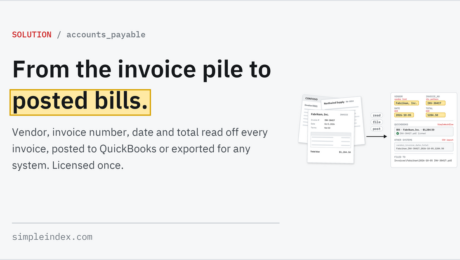
Use SimpleIndex and SimpleQB you can scan invoices, recognize the vendor, invoice number, amount, date, PO number and other data, then import them into the QuickBooks receive bills screen automatically.
SimpleQB demos are available by request only. Please contact us to request a demo.
SimpleQB – QuickBooks Company File Warning
Will your SimpleQB allow me to scan in old invoices or bank statements directly into QuickBooks?
- Published in Database & Retrieval, SimpleQB
Can SimpleQB be used to scan in receipts and invoices which are then matched to the files kept in the QuickBooks System?
- Published in SimpleQB
Does SimpleQB access or modify my QuickBooks database in any way?
- Published in SimpleQB