
SimpleIndex Tips & Tricks – OCR Document Separation
OCR Document Separation
Streamline Your Workflow with OCR Document Separation
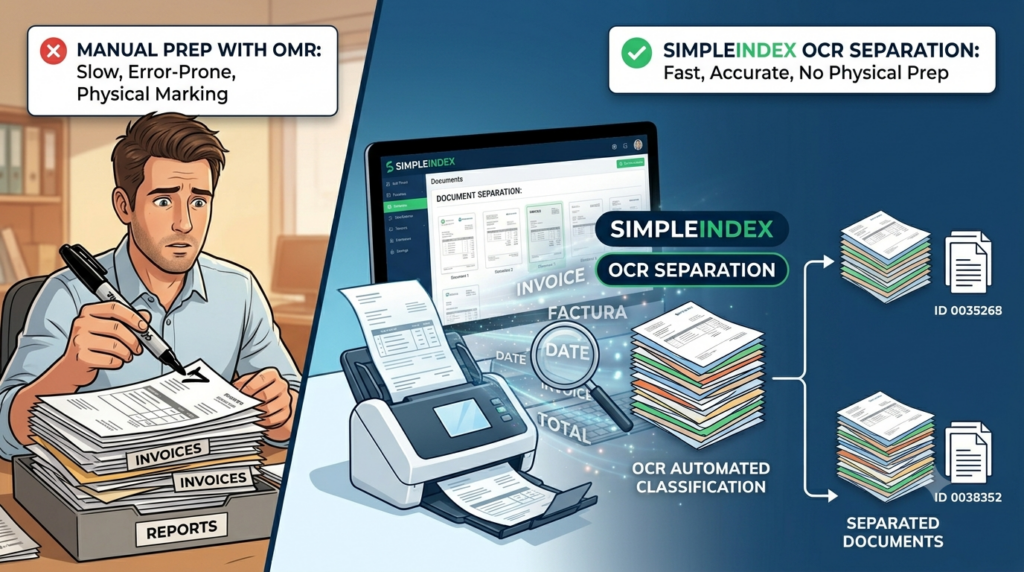
In a previous newsletter, we shared one of our favorite low-tech, high-efficiency hacks: OMR Document Separation. For teams dealing with highly variable, unstandardized paperwork, making a simple black mark with a felt pen on the first page of a new document is an incredibly fast way to tell SimpleIndex exactly where to split a file.
But what if you want to skip document prep entirely? What if you don’t want to mark up your physical papers or manually insert barcode separator sheets?
Enter OCR Document Separation – the hands-free, fully automated way to organize your multi-page workflows.

The Problem: When Document Attachments Break Your Indexing
Standard indexing in SimpleIndex automatically separates documents when a unique value (like a new barcode or account number) is read. But real world scanning isn’t always that clean.
Consider an AP department processing invoices that come with packets of unpredictable attachments (receipts, shipping logs, correspondence). If your system searches for “Invoice Date” or “Total” on every single page, those attachments will trigger false positives, slow down processing times, and mess up your data export.
The Solution: Smarter Separation via OCR
Instead of prepping files manually, OCR Document Separation uses Text Recognition to scan the document layout and identify specific keywords, patterns, or template types that signify the start of a brand new file.
-
Targeted Keywords: You can configure SimpleIndex to look for specific triggers like “Invoice”, “Total”, or “Purchase Order”. The moment it detects one of these keywords, it knows it has reached the first page of a new document.
-
Handling Variability: If your first pages aren’t standardized, you can easily create a list of possible keyword combinations to trigger the split.
-
Document Classification: Take it a step further by using OCR based classification to separate and organize documents automatically by their specific layout or type.

How it Benefits Your Workflow
By separating multipage streams before the deep indexing begins, you eliminate the noise. For example, SimpleIndex can split a massive scanning batch into individual multi-page files first, and then extract the crucial metadata (like Invoice Total or Date) only from the first page of each separated file. Your attachments stay attached, your data stays clean, and your false positives drop to zero.
Setting Up Automatic Separation in SimpleIndex
Ready to automate? SimpleIndex makes it incredibly straightforward:
-
Configure the Autonumber Field: The separation event triggers an increment in the Autonumber field, instantly generating a unique, multi page file upon export.
-
Single Job Execution: Check the option to “Combine pages into documents after processing” to merge pages and index them all within a single workflow.
-
Two Step Processing: Alternatively, use the Post Process setting to execute a secondary job file to handle the deeper data extraction after separation is complete.
Want to see the step-by-step breakdown? Check out our complete guide on the SimpleIndex Wiki Page for OMR and OCR Document Separation.
Contact your SimpleIndex representative or download SimpleIndex 11.4 today to get a demo of SimpleIndex’s document separation capabilities, and see how we can improve your document capture workflow!
